

Our world-leading research in experimental particle physics explores the most fundamental constituents of our Universe to understand their makeup and the forces acting between them; our work is underpinned by our novel instrumentation techniques and by the John Adams Institute, an academic centre of excellence for accelerator science and technology.
We use accelerator, non-accelerator-based experiments and quantum technologies and develop instrumentation and novel acceleration techniques to enable our science. Our research groups work:
- at the high-energy frontier to study the Higgs boson and to search for new physics
- at the intensity frontier to understand the matter-antimatter asymmetry, rare phenomena, and new interactions
- to unveil the physics of neutrinos
- to explore the dark Universe (dark energy and dark matter)
- with quantum technologies to explore fundamental physics
High-energy frontier physics
Our research programme at the high-energy frontier focuses on the ATLAS experiment at CERN LHC. In ATLAS, we lead physics analyses on searches for new physics beyond the Standard Model, to understand the Higgs boson and Standard Model precision measurements. Thanks to our groups’ world-leading expertise and specialist technical services, we play a key role in the experiment’s infrastructure from the ITk pixel and strip detector to preparing form the a next-generation electron-positron Higgs factory.
Intensity frontier physics
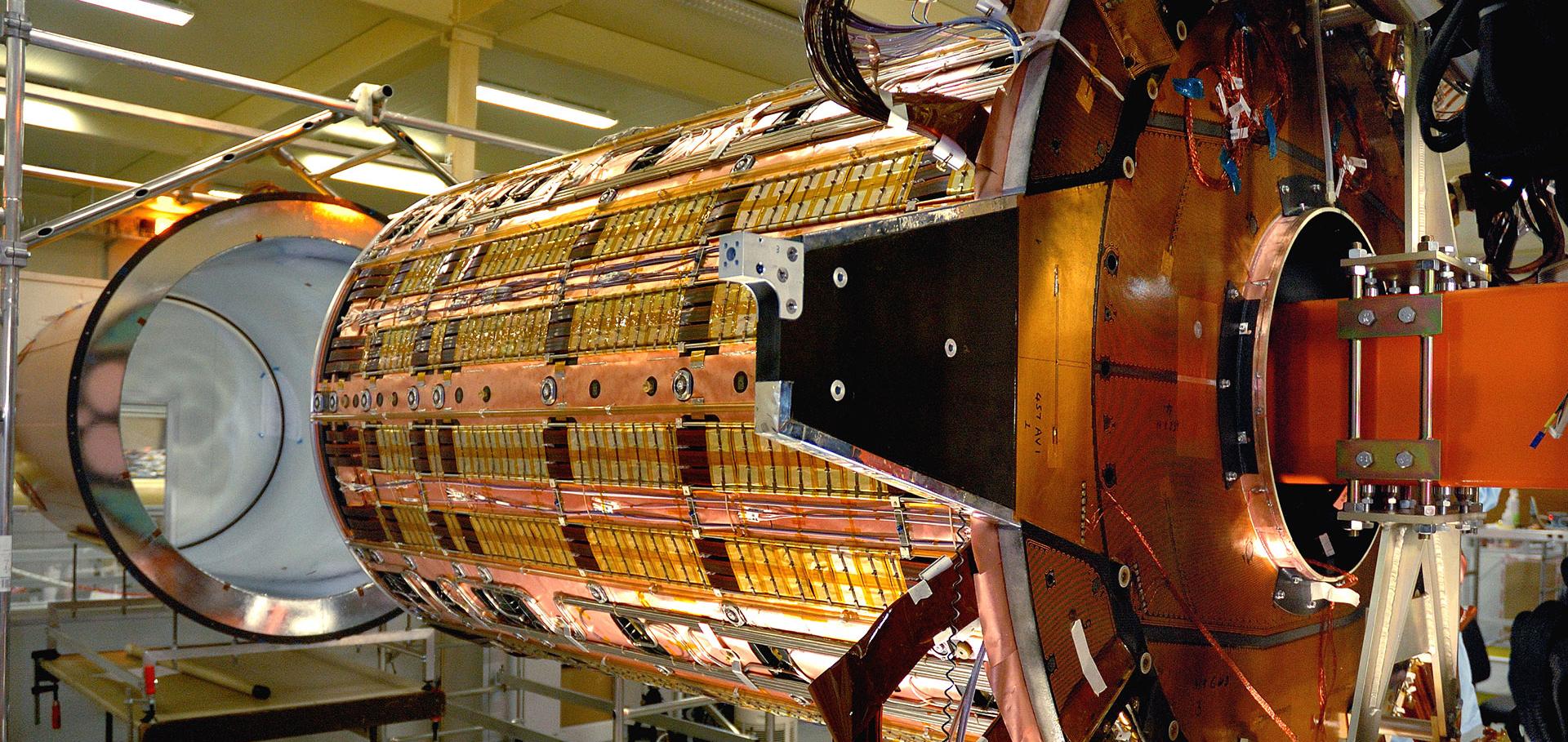
Experiments at the intensity frontier require very high-intensity beams and advanced instrumentation to search for new physics through virtual particles enhancing rare processes via quantum loops. Our research includes LHCb at CERN to study heavy flavour quarks; Beijing Spectrometer III (BES III) studying quantum-correlated D mesons decays to improve our measurements at the LHCb; and MU3e at the Paul Scherrer Institute building an ultra-low mass tracking system to search for a muon’s ultra-rare decay into two electrons and a positron; and the Forward Physics Facility proposed to study collider neutrinos and dark sectors at the Large Hadron Collider.
Neutrino physics
Neutrinos, the Universe’s most abundant particles, remain mysterious and understanding their properties is critical to our understanding of the origin of matter and the early evolution of the Universe. Oxford has a long history in neutrino physics dating back many decades, and has played a significant part in the great progress which has been made in the field through our critical contributions to the SNO (2015 Nobel Prize in Physics) and T2K (2016 Breakthrough Prize in Physics) experiments.
Our work in neutrino physics includes:
- T2K: A Long-baseline neutrino oscillation studies to study CP violation in the neutrino sector.
- Super-K: The huge water Cherenkov far detector for T2K is used for oscillation studies with atmospheric neutrinos, astrophysics, and searches for proton decay.
- MINERvA: An experiment using high-intensity beam to study neutrino reactions with different nuclei
- SNO+: Located at SNOLAB in Canada, this experiment studies neutrinoless double beta decays, which offers a unique probe to understand if neutrinos are Majorana or Dirac particles.
Oxford is playing a leading role in developing the next generation long baseline experiments: Hyper-K in Japan and DUNE in the US.
The dark Universe
Most of the gravitating matter in the Universe does not emit detectable radiation. Recent research has focused on discovering dark matter (DM), which forms a window on new physics. In addition to invisible DM, most of the Universe’s energy is also invisible. This dark energy (DE) has been one of the foci of modern cosmology over the last 15 years.
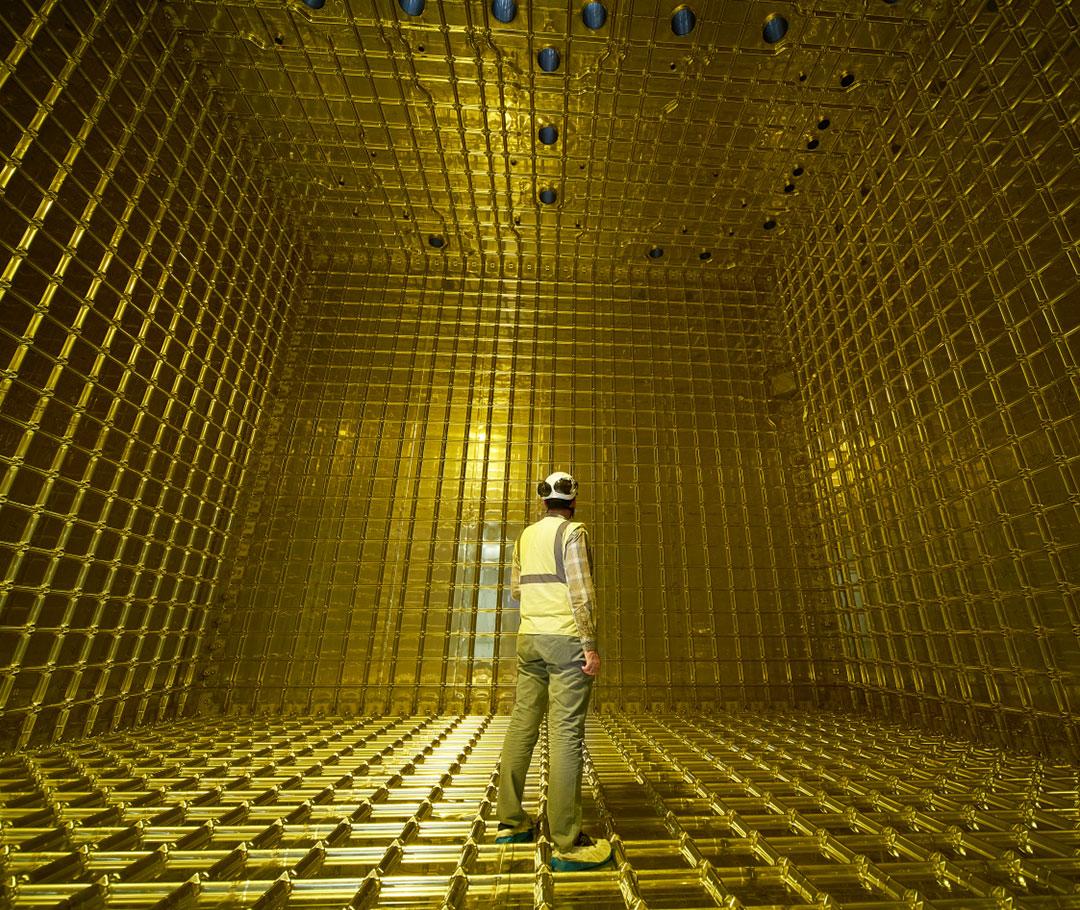
Our dark Universe programme research includes direct searches for DM with LUX-ZEPLIN (LZ), indirect searches for DM with ATLAS and the study of DM and DE with the Rubin Observatory where we have contributed to the construction of the world’s largest digital camera providing a field-of-view of 9.6 square degrees.
Quantum technologies to explore fundamental physics
Technologies such as quantum sensors have the potential to radically change our approach to understanding the Universe. With the AION project, we are building the first large-scale atom interferometer in the UK to search for light dark matter particles and we are also part of MAGIS-100, which will construct a 100 m tall device at Fermilab in the US.
Instrumentation
Oxford has a long and proud history in instrumentation and our world-class facilities include the Oxford Physics Microstructure Detector facility (OPMD) equipped with state-of-the-art instrumentation to evaluate sensors in the laboratory before and after irradiation and build detector assemblies and Thermo-Mechanical Characterization (CTMC), a semi-clean, high bay, assembly and test lab. Our specialist researchers and technicians work with leading research facilities around the world and we play a particularly significant role at CERN.
John Adams Institute
The John Adams Institute for Accelerator Science sits within the Department of Physics at Oxford and is a centre of excellence in the UK for advanced and novel accelerator technology. The institute provides expertise, research, development and training in accelerator techniques, and promotes advanced accelerator applications in science and society.
Contact
Denys Wilkinson Building
Keble Road
Oxford
OX1 3RH
UK
+44 (0) 1865 273333