

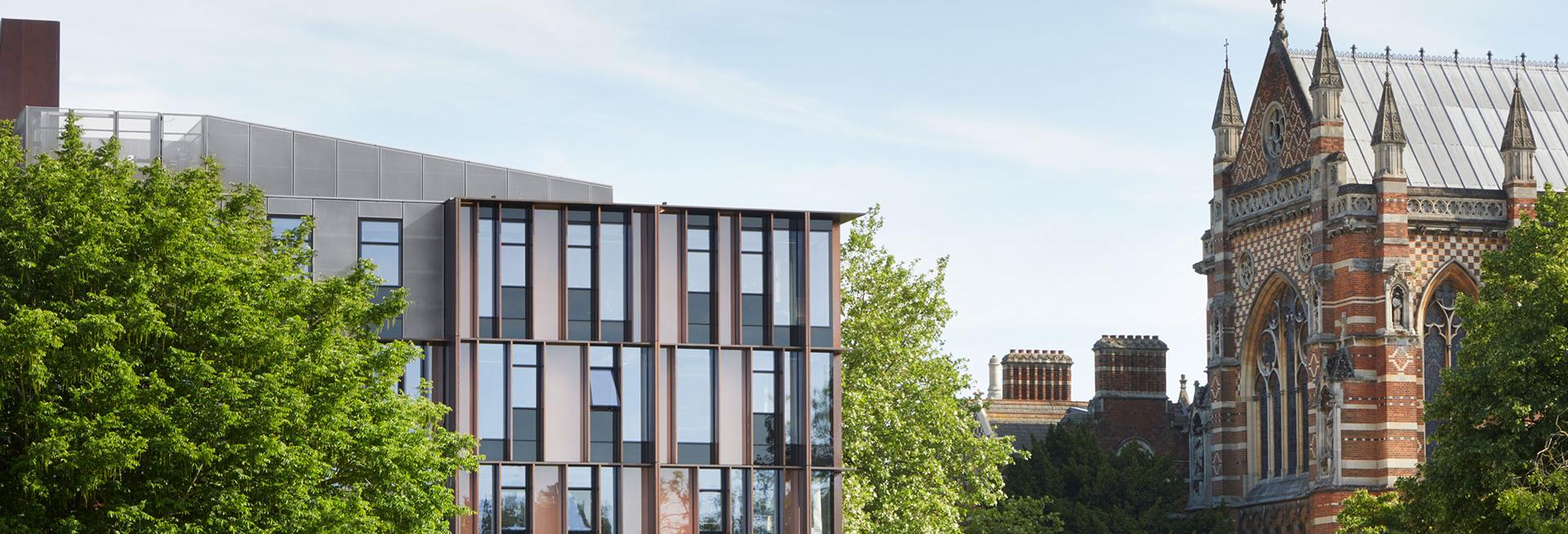
This section is mandatory; it is the text that will appear underneath the banner image on your profile and you build your content using the available ‘stripes’ or components; you can see how each stripe displays by looking at the examples here.
ABOUT PAGE CONTENT*
Build your content in this mandatory section using the available ‘stripes’ or components (listed below).

‘Text area’ and ‘Full width image’ are immediately visible; to see additional stripes, click on the three horizontal dots. These are the available stripes:
Text area – the stripe to use for adding text; ‘section title’ is an optional sub-heading and so will appear larger than body copy; ‘text’ is for the main bulk of your text and it can be formatted with bullets, hyperlinked, include images and video (note that text will wrap automatically around images aligned left or right) – format text using the toolbar:

From left to right:
- To make text bold; to italicise; superscript; subscript
- Right aligned; left aligned; centred; justified
- Hyperlink (use this to link to other internal pages by copying everything AFTER the domain name ie to link to www.physics.ox.ac.uk/about-us/our-facilities-and-services enter: /about-us/our-facilities-and-services OR to link to an external website, enter the full URL and note that this will open in a new tab); cancel hyperlink
- Auto-formatted bullet points or numbered list
- Auto-format as a quote; add an inline image (note that alternative text is manadatory); add a link to an inline video (note the alternative 'full width video' stripe that displays a video more prominently); add an image that is likely to be reused several times (it is not recommended to use this option)
- Auto-format text (we are generally advising to use H3 for subheadings)
- Toggle between HTML or 'normal'; use to input LaTeX
‘CTA (call to action) link’ will prominently display a link to another webpage and will appear underneath your text eg to link to an external research group website/project site
Full-width image: a full-width image with a break above and below it; you can add a caption and image copyright information; images should be a minimum of 1920 x 1080 pixels
50/50 image text: half image, half text; can include link (referred to as a CTA or call to action link); you can choose whether the image appears on the left or the right; images should be a minimum of 1080 x 910 pixels
Call to action: will prominently display a link to another webpage (a call to action) on a pink stripe; optional centred title, left-aligned subtitle and editable link text
Image gallery: use for displaying 2+ images that will go full screen/slideshow once selected; captions and credits can be added; note minimum sizes (1920 pixels x 1080 pixels landscape and 1080 pixels x 1920 pixels portrait); first 4 display in the ‘stripe’
Full width video embed: link to videos hosted on Vimeo/YouTube/Facebook/Instagram; optional centred title and centred sub-title
File attachments: add file attachments to download; the document will be displayed within a blue frame and you can configure the display text
Managing stripes
To add another stripe, go to the next

and select the stripe you require – click on the three horizontal dots if the stripe you want isn't visible;
Edit stripes that you have created by clicking Edit; 
Click the three vertical dots after edit to ‘remove’ or delete a stripe;
Click on the 4-directional arrow to reorder stripes.
RESEARCH INTERESTS: (where applicable) add in at-a-glance short descriptions of your areas of expertise and interest; one per box; they can be reordered by dragging the 4-directional arrow
Banner background image: this defaults to your sub-dept image but can be overridden (and includes caption and credit option); note minimum required image dimensions of 1920 pixels x 1080 pixels